SPECIFICATIONS
Brand Name: egolden
Choice: yes
Content: AUDIO
High Definition Support: None
High-concerned chemical: None
Interface: 3.5 MM
Model Number: M5
Origin: Mainland China
Package: Yes
Support AAC: Yes
Support Apt-x: Yes
Support Memory Card: No
WIFI Standard: 2.4G
Wireless Type: WiFi,Bluetooth
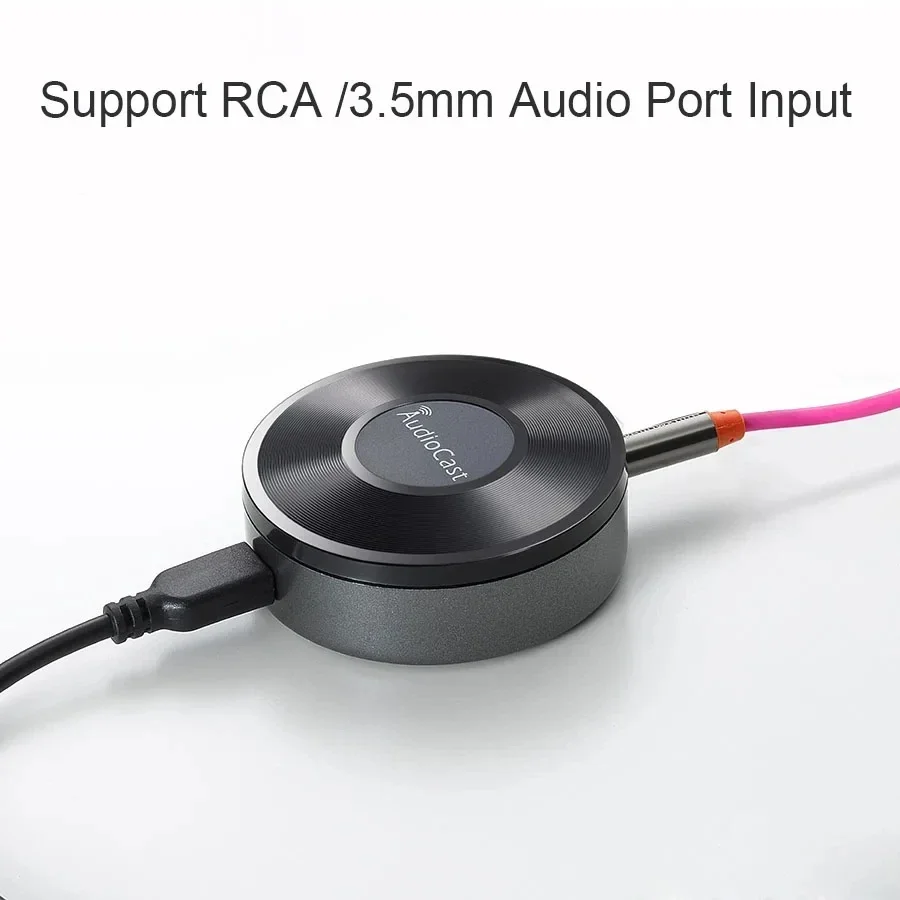
Wireless Wifi Music Audio Streamer Receiver Audiocast M5 DLNA For Airplay Audio Music Adapter Multi Room Streams
Features:
100% brand new and high quality.
Multi-room and multi-channel wireless audio streaming,the world's simplest multi-room control system
Music alarm, full alarm settings
Automatic shutdown, full adjustment
Voice prompts for certain settings operation
Streaming media quality options: Super quality/high quality/low quality, different quality streaming options can match actual network conditions to ensure the best user experience
Description:
Material:ABS
Color:Black
Package Size:9.5*9.5*5.5 cm
Type:Wireless Audio Cast
Net Weight:0.12kg
Operating System:iOS,Android
Wireless Communication:WiFi
Device Setting:
Timed Auto Power Off: Countdown mins: 10mins / 20mins / 30mins / 60mins / 90mins
Timed Music Alarm Clock: Music Sources(local or online) / Volume Define / Frequency / Alarm time setting
Device Rename: Support Device Rename, allow user to change the device to the name they like, such as Living Room / Kitchen / Bedroom
Device Info: Network Status / Device Name / SSID / IP / Firmware Version / Build Date / Language / Device Password / UUID / Restore Factory setting
Device Password: Support
Restore Factory Setting: Restoring Default setting
Power Supply: DC5V 1000mA with Micro USB
Analog audio interface: 3.5mm Earphone audio output
Operation Steps:
1) Firstly, please use USB cable to connect power adapter and Audiocast streaming box, and plug the power adapter in socket,
at last connect the Audiocast box with speaker or amplifier by audio cable.
2)Download “Audiocast”App (iOS user can search “audiocast”in App store. For Android user, can search “Audiocast”in any Apk market)
3) Please ensure your mobile phone has connected to the 2.4GHz network at home, open “Audiocast”software, click “Add device”according
to system prompt to input the password of your home router, then press the WPS key on box. At the same time, box will remind “Searching
for WiFi connection”by voice, after 10-15 seconds, we will finish set-up for Audiocast streamer.
Package includes:
1* For Airplay Receiver
1* 3.5mm audio cable
1* USB cable
1* User Mannual